Make yours now
 Enough for 10 ten second videos











An image prompt describes a moment. A video prompt has to describe the next ten seconds as well: what moves, how fast, where the camera goes and what you hear. Get those four things in and the rest of what you know from image prompting still applies.
How to Write an AI Video Prompt
Motion, camera, pacing and sound, with the seven sample clips taken apart
Every clip on this page was made with the NeonSnap video generator from the exact words printed under it. Nothing has been edited or re-rolled for the guide. Some prompts are a single sentence and some run to a paragraph with timecodes, and both kinds work, which is the first thing worth knowing.
What a video prompt needs that an image prompt does not
If you have read our image prompt guide you already know to name the subject, the setting, the light and the style. Keep doing that. A video adds four more things, and a prompt that leaves them out hands the decisions to the model.
Motion
What moves, and how. "A cat on a windowsill" is a photo. "A cat on a windowsill, tail flicking" is a video. Give every clip at least one moving thing, and give the movement a speed: drifts, flicks, crashes, running in slow motion.
Camera
Where the camera is and what it does. Static, pushing in, tracking alongside, circling. If you say nothing the model will pick something, and it may pick a swoop you did not want. The vocabulary below is enough for almost everything.
Pacing
How many things happen and in what order. A four second clip has room for one event. A ten second clip has room for a beginning, a change and a settle. Words like "then", "as" and "settles back" tell the model where in the clip each thing belongs.
Sound
Every NeonSnap video can have an audible track and there is no switch for it on the page. The model decides from your words whether a clip gets music, ambient sound, speech or nothing. If you care, say so in the prompt.
Light still matters, more than in a still image if anything, because it has to hold together across every frame. "Soft golden light", "warm afternoon sunlight" and "rain-soaked neon street at night" all appear in the sample prompts and each one does a lot of work.
A short vocabulary of camera moves
You do not need film school terms. These plain phrases are the ones that made the clips on this page, plus a few close relatives.
- "The camera holds still." The safest instruction there is, and the right one for almost every photo animation. The frame stays put and only the subject moves.
- "A slow push in." The camera creeps towards the subject. Adds intimacy to a small scene without asking the model to invent anything off-frame. The cat clip uses it.
- "Slow dolly forward." The same idea for a wider scene, where the camera travels through the space rather than towards one thing. The balloon clip ends on one.
- "The camera tracking alongside." The camera moves with a moving subject, keeping it in frame. Good for anything running, walking or driving. The dog clip uses it.
- "The camera smoothly tracks backwards." The subject walks towards the lens and the camera retreats at the same pace. The neon street clip opens this way.
- "A slow aerial drone shot circling." An orbit from above. Suits landscapes and buildings, and it fills ten seconds on its own, which is why the lighthouse prompt is one sentence long.
- "The camera gently eases closer." A softer push in, useful at the end of a longer clip to land on a face or a detail.
Pick one camera move per clip, two at most for a ten second clip, and put "slow", "gently" or "smoothly" in front of it. Fast camera moves are where video models fall apart first. The neon street prompt even spells out "no sudden camera movements" in its final line.
Text to video or photo to video
With text alone the model invents the whole scene from your words. That is the mode for landscapes, product shots, animals and anything that does not need to look like a particular person. Your prompt carries everything, so it usually wants a setting, a light, a subject, a motion and a camera move, in whatever order reads naturally.
With a photo the picture becomes the first frame and your words only have to say what happens next. Do not describe what is already in the photo. The model can see it. Describe the movement, and keep the movement small. A person in a photo can look up, smile, laugh, blink, turn their head a little. Ask them to stand up and walk out of frame and the model has to invent their legs, the room behind them and a new lighting setup, and the result stops looking like them.
The two photo prompts on this page are ten and twenty one words long. Both end with "The camera holds still." That is not a coincidence.
Every picture in My Images has an Animate button that opens the video page with that photo already attached, so the usual flow is make a portrait with one of the image tools, then bring it to life.
Steering sound from the prompt
There is no sound toggle on the video page. The model always has the option of an audible track and chooses per clip whether to use it and what to put on it. None of the seven sample prompts mention sound at all, and the model made its own choice for each of them, so if you are happy to be surprised you can leave it out too.
If you are not, the rule is the same as for everything else: say it. "Gentle piano music", "the sound of waves and wind", "she says hello and laughs", "no music, just ambient sound" and "silent" are all instructions the model can follow. Put the sound line at the end of the prompt, after the picture and the motion, so it reads as a note rather than the main event. If you want someone in a photo to speak, keep the line short and natural, and write the words you want in quotation marks.
What the length, shape and HD choices are for
Three controls sit under the prompt box and they change what you should write.
- Length: 4, 6, 8 or 10 seconds. Match the length to the number of things that happen. One motion and one camera move fit in 4 or 6 seconds. A change of state, like leaves turning into birds and settling back, wants 8 or 10. If your prompt has a "then" in it, you probably want 8 or more.
- Shape: portrait 9:16 or landscape 16:9. Portrait for phones, Reels, TikTok, Shorts and anything made from a portrait photo. Landscape for YouTube, websites and presentations. Write for the shape: a drone orbit of a coastline is a landscape idea, and a face filling the frame is a portrait one.
- HD. Standard output is 720p. HD is 1080p, made by upscaling the same 720p render, so it sharpens the picture rather than adding detail and takes about twice as long. It does not change how you write the prompt. The laugh clip below is the only HD sample here.
Cost follows length and quality: one credit per second at 720p, so 4, 6, 8 or 10 credits, and 1.5 credits per second in HD rounded up to a whole credit, so 6, 9, 12 or 15. The credit cost shown on the page updates as you change the controls. A video that cannot be made is refunded automatically.
The seven sample clips, and what each prompt gets right
These are the clips from the Ideas section of the video page, with the prompt that made each one and the settings it was made at. Read the prompt, then watch for the thing it asked for.
A tiny hot air balloon over lavender fields
Lavender fields at dawn, mist in the valleys, a wide cinematic shot. A hot air balloon drifts low over the rows and we realise it is tiny, no bigger than a teacup, floating between the lavender stems at eye level with a bee, as a real full-size balloon drifts past far above. Shallow depth of field, soft golden light, slow dolly forward.
Setting and light first, then the shot type ("a wide cinematic shot"), then one idea that unfolds over time: we think it is a normal balloon, then realise it is tiny, then a real one passes far above. The phrase "we realise" is a pacing cue, telling the model the reveal comes after the opening. Lens notes ("shallow depth of field") and a single camera move ("slow dolly forward") close it out. This is what a ten second text prompt looks like when it is using all ten seconds.
Lighthouse at sunset
Waves crashing against a lighthouse on a rocky coast at sunset, a slow aerial drone shot circling the tower.
One sentence. Subject with its own motion (waves crashing), place, time of day and one camera move that lasts the whole clip (a slow aerial drone shot circling the tower). The orbit is the event, so nothing else has to happen. If you only remember one shape of prompt, remember this one.
A golden retriever in autumn leaves
A golden retriever running through a pile of autumn leaves in slow motion, warm afternoon sunlight, the camera tracking alongside. As the leaves fly up they turn into small orange birds that circle once and settle back down as leaves behind the dog.
The subject is already moving (running, in slow motion), the light is named (warm afternoon sunlight) and the camera move suits a moving subject (tracking alongside). Then one transformation, with a clear beginning and end: the leaves become birds, circle once and settle back as leaves. "Once" and "settle back" give the event a shape, so the clip does not finish mid-change.
Neon street to enchanted forest
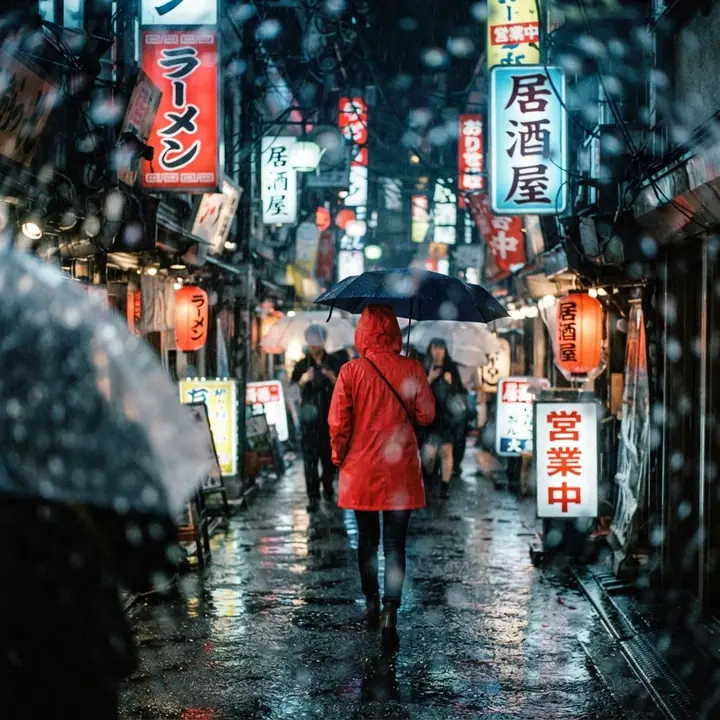
Create an 8-second cinematic transformation video as one continuous shot. 0 to 3 seconds: an adult woman walks towards the camera along a rain-soaked neon street at night. Frame her from the knees up, centred, as the camera smoothly tracks backwards. She wears a tailored black coat. Cyan and magenta signs reflect in the wet pavement, with atmospheric steam and beautifully backlit rain. High-end science-fiction film aesthetic, realistic skin and natural movement. 3 to 5 seconds: as she continues walking, the world transforms seamlessly around her. Falling raindrops become floating golden fireflies. Neon signs dissolve into moonlit branches, buildings become towering ancient trees, and wet pavement becomes a woodland path. Her black coat transforms into an elegant emerald gown with intricate gold embroidery. The transformation flows from foreground to background as one coherent wave of magic. 5 to 8 seconds: she now walks through a breathtaking enchanted forest. Moonlight streams through the canopy, luminous flowers border the path, and delicate golden particles drift around her. Her gown moves naturally as she walks. The camera gently eases closer as she gives a subtle, quietly delighted smile. Preserve the exact same face, identity, body proportions and walking motion throughout. Photorealistic, premium cinematic lighting, rich colours, restrained magical effects, smooth camera movement. Keep her face clearly visible and the surroundings expansive. No cuts, no text, no logos, no sudden camera movements, no facial distortion or extra limbs.
The long form. It budgets the clip in three timed segments, insists on "one continuous shot", names the framing ("from the knees up, centred"), the camera ("smoothly tracks backwards", later "gently eases closer") and the pace of the change ("from foreground to background as one coherent wave"). It asks for the face, body and walk to stay the same throughout, and its last line is a list of things not to do: no cuts, no text, no logos, no sudden camera movements. The prompt says eight seconds but the clip was rendered at ten; treat timecodes as proportions, not a stopwatch. Prompts can be up to 2,000 characters, and this one shows what the room is for.
A photo brought to life: a laugh
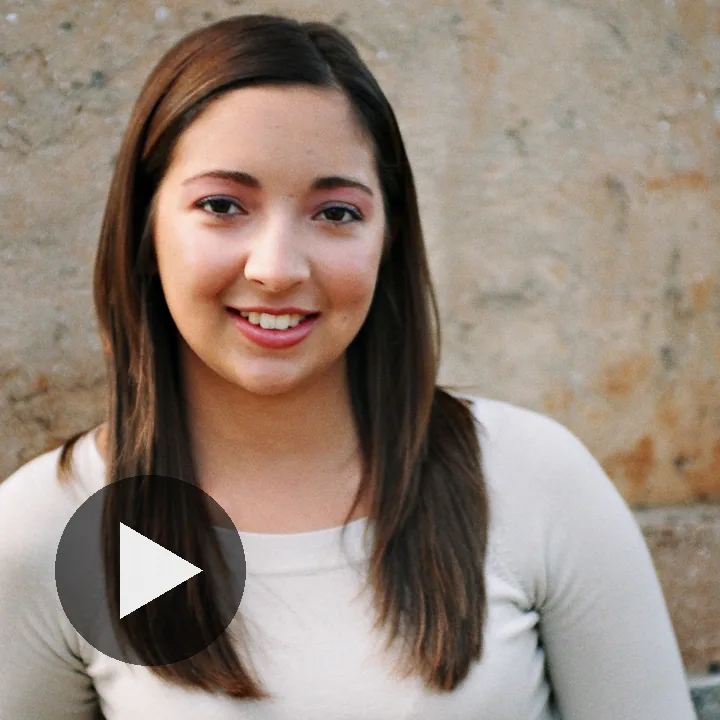
The person breaks into a genuine, natural laugh, their shoulders moving slightly, then settles into a smile. The camera holds still.
A photo animation at its best. It does not describe the person, because the photo already does. It describes one natural movement with a beginning and an end (breaks into a laugh, shoulders moving slightly, settles into a smile) and pins the camera ("The camera holds still"). Eight seconds gives the laugh room to arrive and fade. This is the one HD sample, so it was upscaled to 1080 by 1920.
A cat on a sunny windowsill
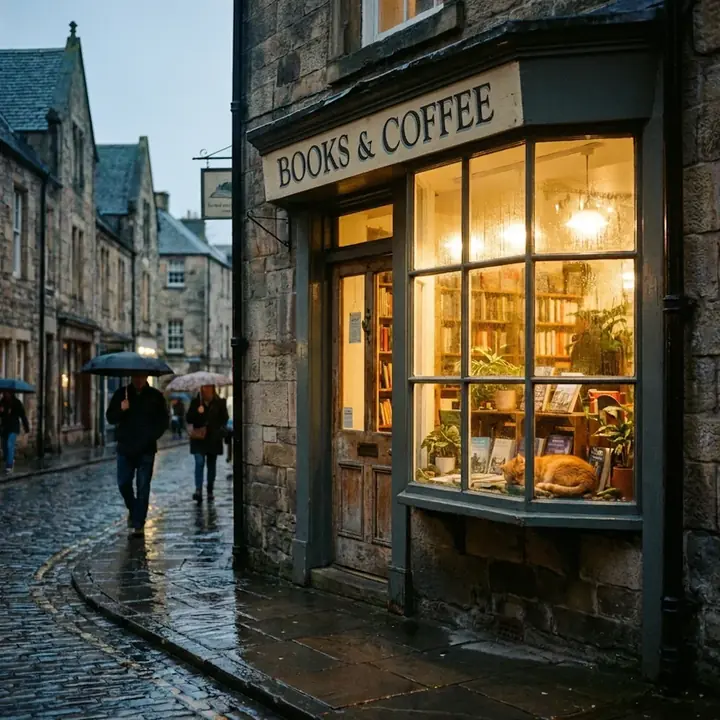
A cat sitting on a sunny windowsill, tail flicking, a slow push in.
Six seconds, one small motion, one slow camera move. The place and the light are in three words ("sunny windowsill"), the motion is a detail rather than an action ("tail flicking") and the camera does the rest ("a slow push in"). Short clips want exactly this little.
A photo brought to life: a gentle smile
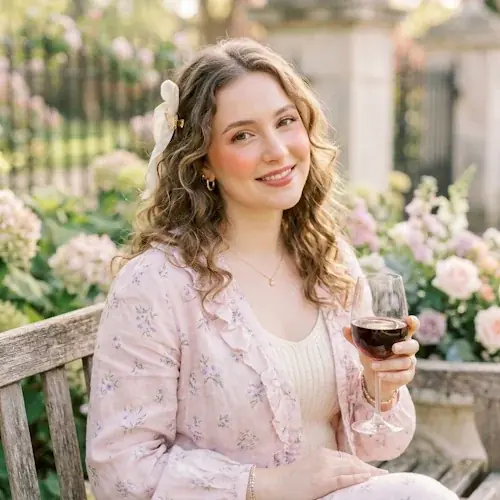
She looks up and smiles gently. The camera holds still.
Ten words. Two verbs for the person (looks up, smiles gently) and a still camera. The photo supplies everything else. If your photo animation prompt is longer than this, ask whether the extra words describe motion or just repeat the picture.
Common mistakes
- Too many events for the length. "A dog runs in, catches a ball, drops it, barks and runs off" is five things. In six seconds you will get a blur of two of them. Cut to one motion per 4 to 6 seconds and let the camera move supply the rest of the interest.
- Asking for text, captions or logos. Lettering has to stay legible across every frame and it often does not. Ask for none, add titles afterwards in an editor, and if you are worried the model will add some anyway, say "no text, no logos" as the neon street prompt does.
- Asking for cuts. "Cut to a close-up" or "then we see the beach" asks for an edit, and a video model makes one continuous shot. Describe a camera move that gets you to the second view instead, or make two clips.
- Re-describing the photo. On a photo animation, three sentences about the hair and the jacket waste the prompt and sometimes change them. Describe the motion only.
- A camera move with no speed. "The camera moves around the car" could be anything. "A slow aerial drone shot circling the car" is a plan.
- Contradictions. A static camera and a tracking shot in the same prompt, or "silent" next to "she says hello". The model picks one and you will not know which until the credits are spent.
- Big movement on a face. Ask a portrait to laugh, not to dance. The further a face travels from the photo, the less it looks like the person.
Try it on NeonSnap
Start from a sample prompt and change the subject
The fastest way to a good first clip is to copy one of the prompts above, swap the subject and the setting, and leave the camera and pacing words alone. Video is open to members who have bought any credit pack, and every sample on the video page plays without signing in.
Open the video generator →Frequently asked questions
What should a video prompt include that an image prompt does not?
Four things: what moves and how fast, what the camera does, how many events happen and in what order, and what you want to hear. Keep the subject, setting, light and style you would write for an image, then add a motion, one camera move and, if you care, a line about sound.
Which camera moves work best in an AI video prompt?
Slow ones, described in plain words. "The camera holds still", "a slow push in", "the camera tracking alongside", "a slow aerial drone shot circling" and "slow dolly forward" all made the sample clips on this page. Use one camera move per clip and put "slow", "gently" or "smoothly" in front of it.
How do I write a prompt to animate a photo?
Do not describe the photo; the model can see it. Describe one small, natural movement with a beginning and an end, such as looking up and smiling or breaking into a laugh and settling, and end with "The camera holds still." Big movements make the person stop looking like themselves.
How do I control sound in a NeonSnap video?
There is no sound toggle. Say what you want in the prompt: gentle piano music, the sound of waves, a short line of speech in quotation marks, ambient sound only, or silent. If you say nothing the model decides for the clip.
How long should an AI video prompt be?
As long as the motion needs. The sample prompts run from ten words to a timecoded paragraph. A photo animation is usually one or two sentences. A text to video clip is usually two to four sentences. Prompts can be up to 2,000 characters.
Can I ask for text, captions or cuts in a video?
Avoid both. Lettering has to stay legible across every frame and often does not, and a video model makes one continuous shot, so asking for a cut gives you an unpredictable result. Add titles afterwards, and describe a camera move instead of a cut.
How do length, shape and HD affect the prompt?
Length sets how many events fit: one motion in 4 or 6 seconds, a change of state in 8 or 10. Shape sets what you should frame: faces and phone content in portrait 9:16, landscapes and drone shots in landscape 16:9. HD is a 1080p upscale of the same 720p render and does not change how you write.
How much does a video cost?
One credit per second at 720p, so 4, 6, 8 or 10 credits. HD is 1.5 credits per second rounded up to a whole credit, so 6, 9, 12 or 15. Video is open to members who have bought any credit pack, and a video that cannot be made is refunded automatically.
Make your first clip.
Text to video or photo to video, 4 to 10 seconds, portrait or landscape, with sound. Paste a prompt from this guide and press Generate.
Go to the video generator