 Make yours now
 Enough for 10 ten second videos











Colorize Black and White Photos with AI
Natural colour that keeps the character of the original
Got a box of black and white family photos and wondered what they looked like in colour?
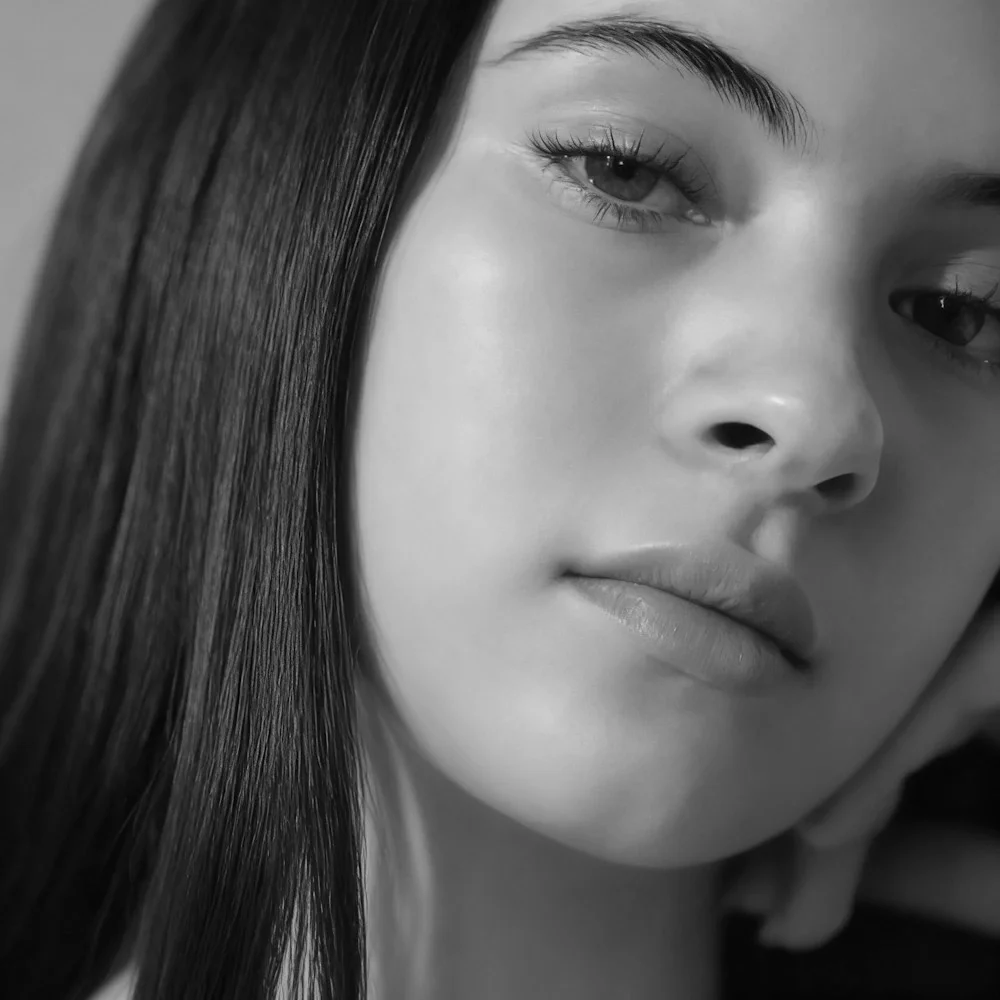
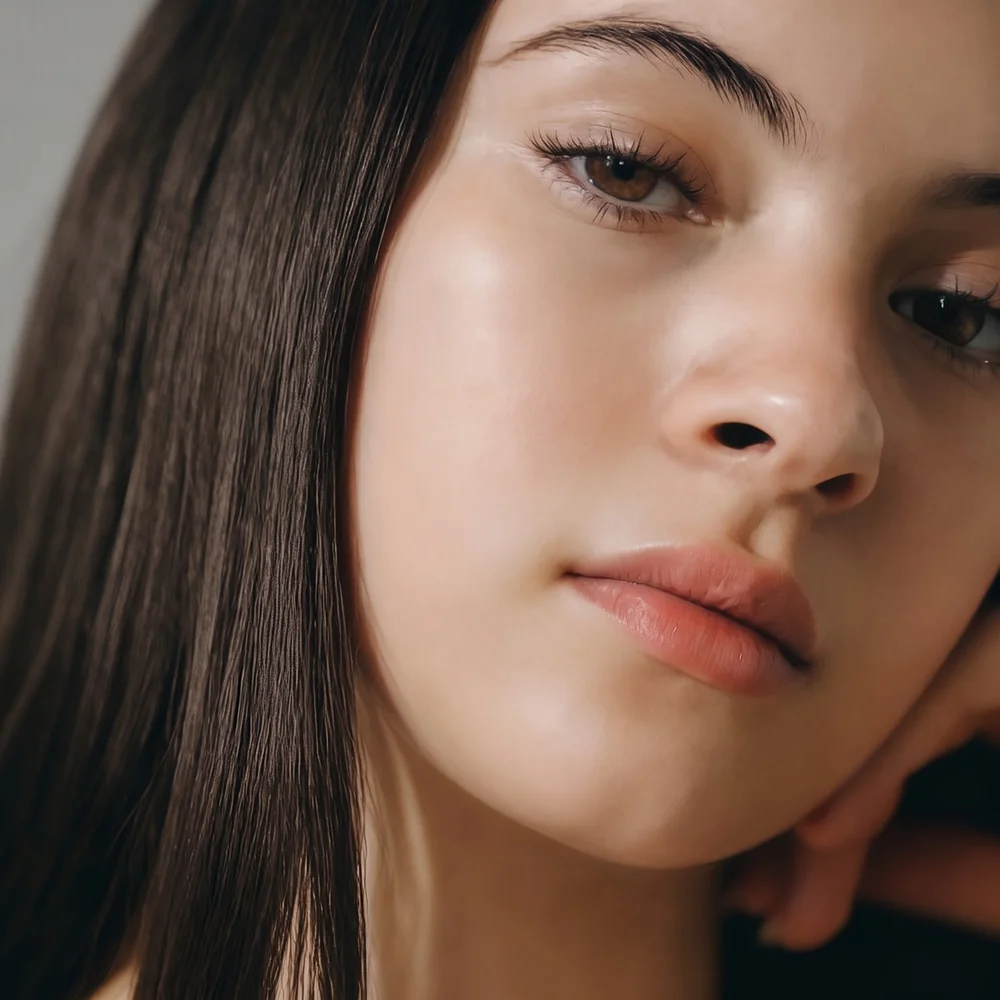
NeonSnap's Colorize tool adds natural, period-true colour to black and white and sepia photos in one click. It works out plausible skin, hair and eye colour for the people in the shot, chooses a muted palette that suits the era, and leaves everything else exactly as it was: the grain, the framing, the faces. Upload a scan or a phone snap of the print and see it in colour in seconds.
Try Some Of Our Other AI Editing Tools


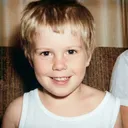
Colourise black and white photos in one click, without losing what made them.
NeonSnap's Colorize tool adds natural, period-true colour to black and white and sepia photographs. It picks plausible skin, hair and eye colour for everyone in the frame, uses the muted palette of colour film from the same era rather than a modern punchy look, and leaves the grain, the framing and the faces exactly as they were. It runs in your browser, needs no account to try, and takes seconds. For a damaged print, run Photo Restore first and colourise the repaired version; for a bigger print afterwards, the AI Upscaler raises it to 2K.
 Natural, period-true colour Muted palettes that match the era of the photo
 Faces stay yours Identity, expression and age are never changed
 Revives faded colour too Corrects casts on old colour prints without repainting
 Colour and nothing else Grain, framing and detail are left untouched
Frequently asked questions
What does the Colorize tool do?
Colorize adds natural colour to black and white and sepia photographs with AI. It works out plausible skin, hair and eye colour for the people in the shot, chooses a muted palette that suits the period, and leaves the grain, framing and faces exactly as they were.
How does the AI know what colour things were?
It does not. Colourisation is an informed guess. Skin, sky, grass and wood are predictable; a dress or a front door could have been anything, so the AI picks something likely for the period. Treat the result as a keepsake, keep the black and white original as the record, and name the colour file as colourised so nobody mistakes it for the original later.
Will it repair scratches and damage too?
No. Colorize changes colour and nothing else, so a scratched photo comes back coloured but still scratched. Run it through Photo Restore first to repair the damage, then colourise the restored version.
What if my photo is already in colour?
A faded colour print has its colour revived and its colour casts corrected. A photo whose colour is already good comes back essentially unchanged. The tool never repaints colour that is already there.
Can I print the coloured photo at a larger size?
Colorize keeps the resolution of what you upload. For a bigger print, run the result through the AI Upscaler, which raises it to 2K.
Do I need an account?
No account is needed to try it. You get a few colourisations free as a visitor, and a free account unlocks more.
What happens to my photo?
Your photo is used only to make your colour version. Images are deleted automatically after 30 days unless you save them to your account, and you can delete them yourself at any time.