 Make yours now
 Enough for 10 ten second videos











Professional lighting & colour
Transform ordinary lighting into studio-quality results. Your photos instantly look professionally shot.






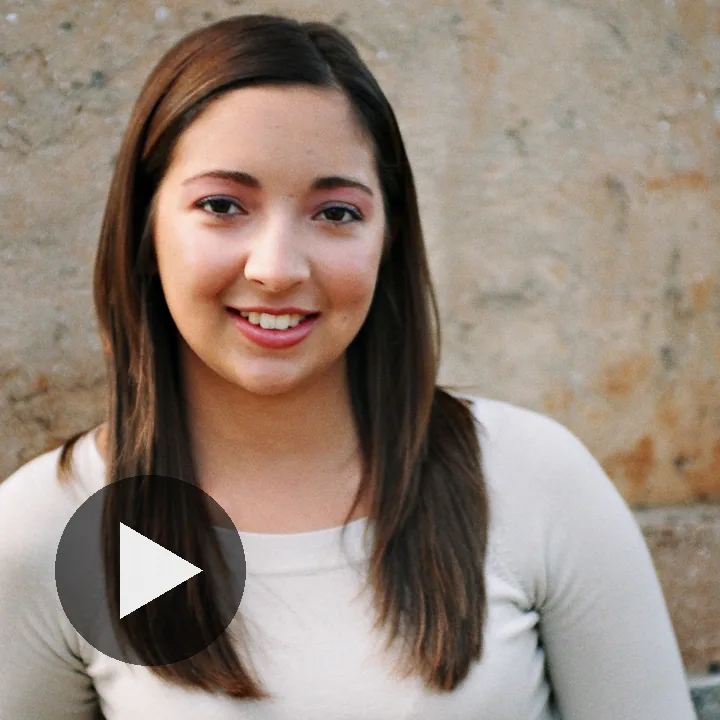





Ever felt like you look worse in photos than you do in real life?
NeonSnap fixes that in seconds. Our AI enhances lighting, skin clarity, detail, and sharpness while keeping your face recognisably you. No filters, no fake edits, just the version of you people actually see on your best day.
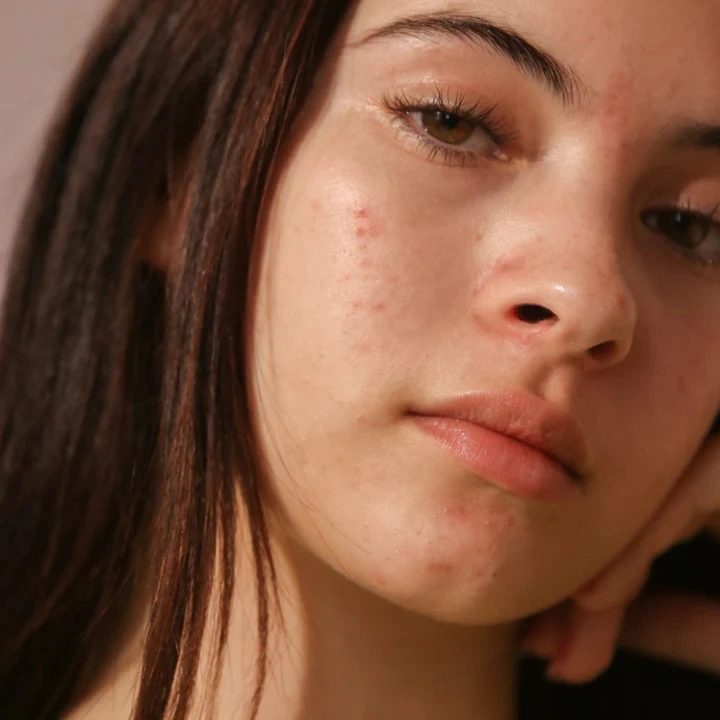
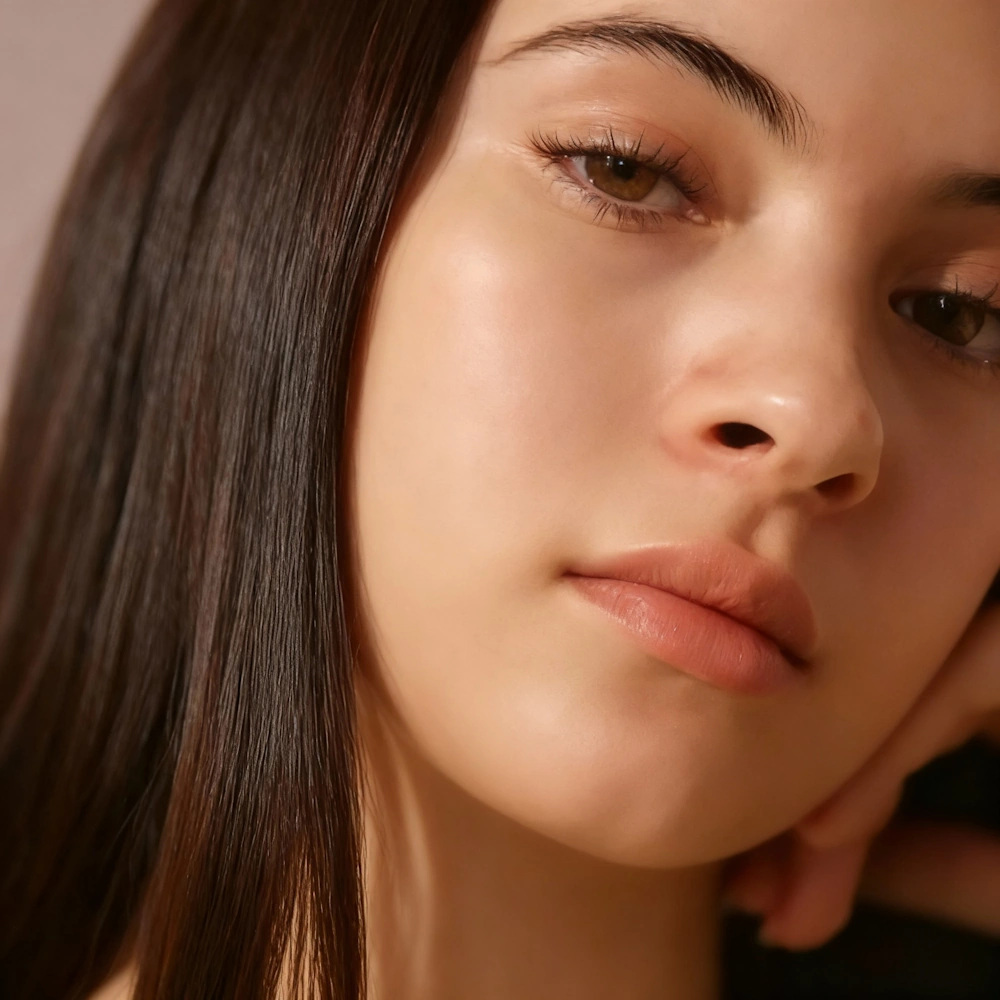
Better-looking photos in one click! No filters, no fake edits, just you on your best day. NeonSnap makes it easy to improve your photos with subtle, natural-looking AI glow-ups. Our technology enhances lighting, skin tone, hair detail, and overall clarity without changing your identity or making images look artificial. Whether you're updating a profile photo, sharing images online, or just want a better version of a picture you like, NeonSnap helps you look your best, quickly, privately, and without downloads or accounts.
Transform ordinary lighting into studio-quality results. Your photos instantly look professionally shot.
Sharpen eyes, refine skin texture, and enhance hair clarity without artificial effects.
Boost overall attractiveness and vibrancy while maintaining a natural, unfiltered appearance.
Designed for dating apps like Bumble, Tinder, Hinge, LinkedIn, or anywhere you need to look your best.
NeonSnap's Soft Glow-Up is perfect for content creators, photographers, and professionals who need quick, natural photo enhancements. Use it to improve client photos, create stunning before-and-after content for social media, or enhance personal branding materials. The AI works seamlessly to deliver professional-quality results without the need for complex editing software or expensive photo shoots. Whether you're building a portfolio, creating social content, or helping clients look their best, Soft Glow-Up delivers natural, believable improvements every time.
Put the photos you already like through a glow-up so the lighting and colour look their best, without the filtered look that leaves matches wondering what you really look like.
Kitchen lights, a grey afternoon or a dim restaurant can leave a good photo flat and yellow. Glow-up evens out the colour and brings back detail in your eyes, skin and hair.
Enhance a single good picture and use it on LinkedIn, Instagram and WhatsApp, so people see the same version of you wherever they find you.
Transform your photos with subtle, natural AI enhancements that make you look your best. Upload your photo and get instant results that improve lighting, clarity, and overall appearance while keeping you looking authentically you. Whether it's for dating apps, professional profiles, or social media, NeonSnap's Soft Glow-Up delivers studio-quality results in seconds. It's fast, natural, and completely free to try.
Soft Glow-Up gently improves lighting, skin texture, clarity and overall facial appearance while keeping you looking like your real self. It's subtle by design, not a heavy or unrealistic filter.
No. The whole point of NeonSnap is to keep your photos looking believable. Think of it as "your best day in good lighting", not a total transformation.
No accounts, no logins, no forms. Just upload your photo, get your Soft Glow-Up, and download it.
Yes, you'll get a few Soft Glow-Ups for free to try it out. We'll be adding upgrade options for more glow-ups soon.
Yes. Even though it's tuned for portrait photos, Soft Glow-Up works for any portrait where you want a natural, flattering improvement without changing how you look.
Yes. Glow-Up is the most natural option and is designed to improve your photo without changing expression, style, or intent. Other transformations are optimised for specific use cases like dating or professional profiles.
NeonSnap uses advanced AI technology to analyze your photo and enhance lighting, skin tone, hair detail, and overall clarity, all while preserving your natural appearance and unique features.
Yes, your privacy is our top priority. All images are processed securely and automatically deleted from our servers after your transformation is complete.