 Make yours now
 Enough for 10 ten second videos








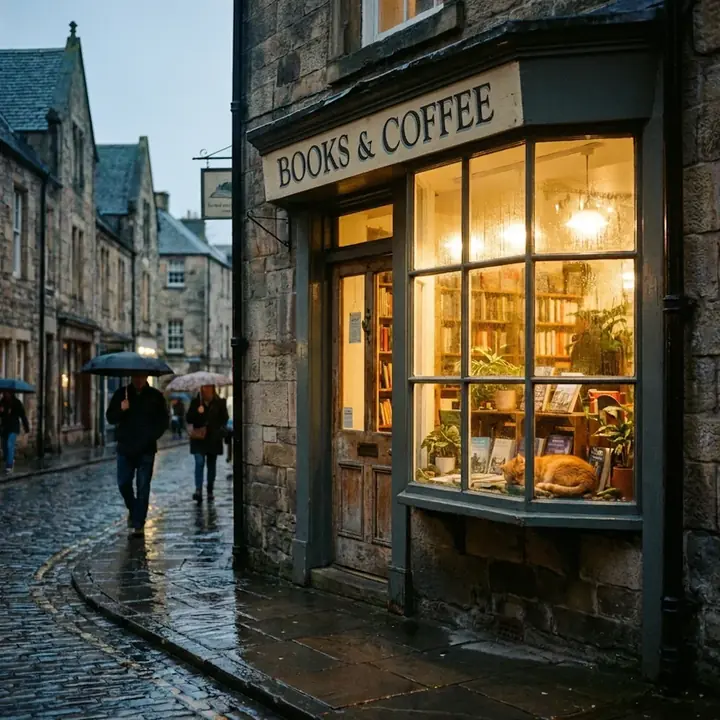

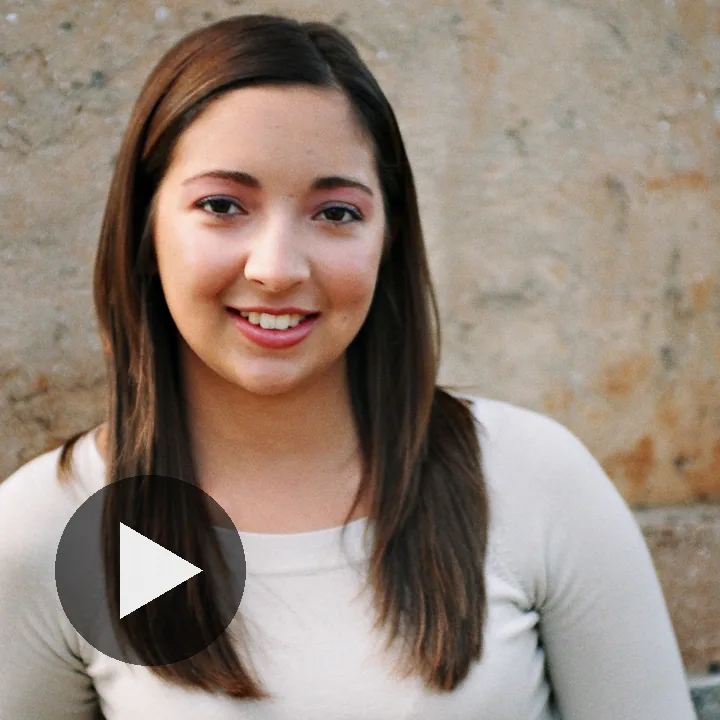



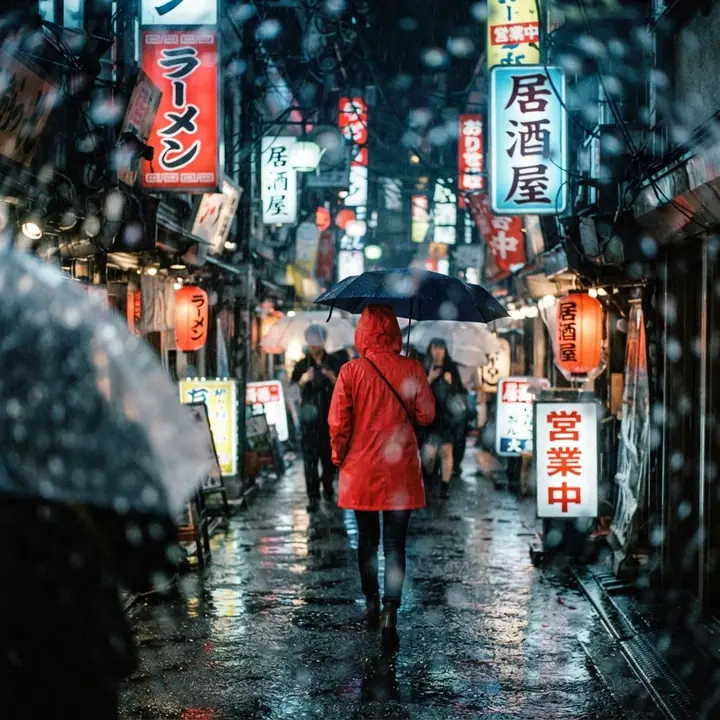

Your first video is free
Make an AI video from a few words
Describe a scene, or add a photo to bring it to life. Four to ten seconds, HD if you want it, sound included. Made with Google Gemini.
Your first video is free. Create a free account or sign in to make it.
Ideas to try
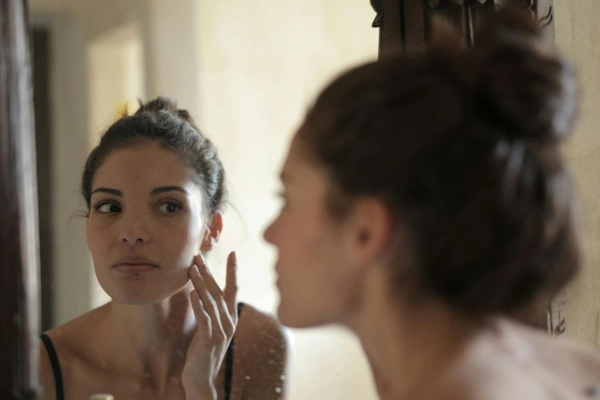
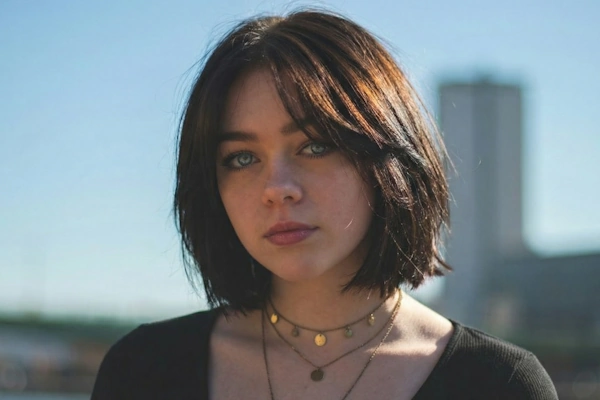
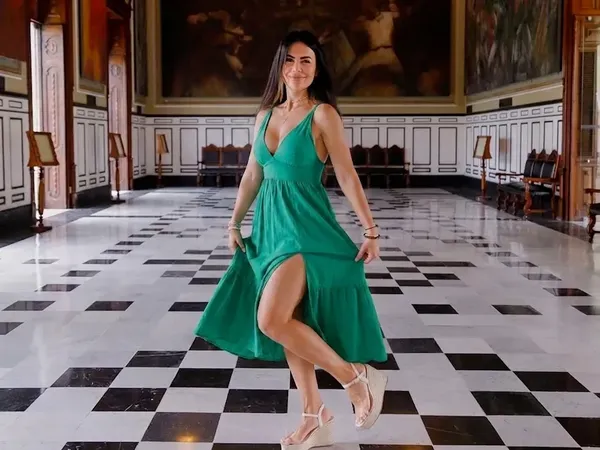
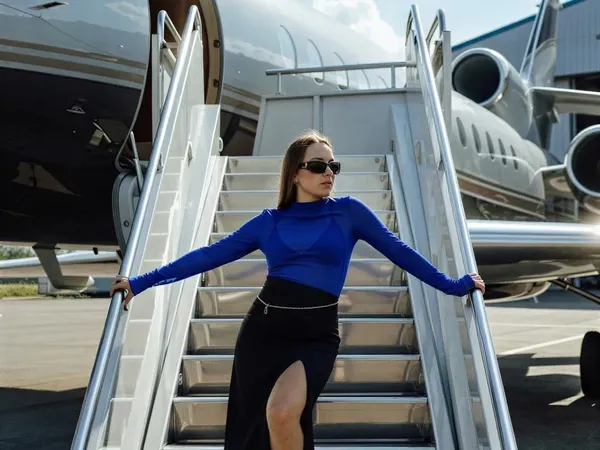
Real videos made with this tool. Click one to watch it, with the words that made it.
A free AI video generator for text and photos
NeonSnap's AI video generator makes a short video from a text prompt (text to video) or brings a photo you already have to life (photo to video). Videos are 4, 6, 8 or 10 seconds long, portrait (9:16) or landscape (16:9), at 720p or 1080p HD, with sound. They are made by Gemini Omni, Google's video model, running on Google Vertex AI, and saved to My Videos as MP4 files you can download. Your first video is free: create an account and make one of up to 6 seconds at 720p, with no card needed. After that it costs one credit per second at 720p.
How it works
- Describe your video, or add a photo Type a line or two about the scene and how it moves, or add a photo and say how it should come to life. Any picture in My Images has an Animate button that brings it here.
- Choose length, shape and quality 4, 6, 8 or 10 seconds, portrait (9:16) or landscape (16:9), standard 720p or HD 1080p. The credit cost updates as you choose, and your first video, up to 6 seconds at 720p, is free.
- Press Generate Most videos are ready in about a minute. You can leave the page; the finished video will be waiting in My Videos.
- Download it, or go again Download the MP4, or change a few words and press Generate again with the same photo and settings.
Text to video or photo to video
With text alone the model invents the whole scene from your words, so you can ask for anything from a drone shot of a coastline to a product turning on black glass. With a photo, the picture becomes the starting frame and your words say how it moves: a breeze in the hair, a smile, a slow push in. The person, pet or product stays recognisable because the video begins from your own image. Every picture in My Images has an Animate button that brings it straight here.
Writing a prompt that moves
Say what is in the shot, where it is, what the light is doing and, above all, what moves and what the camera does. "A slow push in", "the camera tracking alongside" and "the camera holds still" all work. Keep photo animations gentle; small, natural motion looks best. If you want music, speech or silence, say so. The sample clips above show the exact words that made them, so start from one and change the subject. Our guide to writing video prompts takes all seven apart line by line, with a plain vocabulary of camera moves and the mistakes that waste credits.
What people make with it
Portraits that smile, laugh or turn to the camera for a profile or a greeting. Product shots that rotate or catch the light for a listing or an advert. Short scenes from a line of text for Reels, Shorts, TikTok and story posts. Landscape clips for a website header or the opening of a presentation. A photo of a pet, a car or a holiday view with a little life in it.
What a video costs
| Length | 720p | 1080p HD |
|---|---|---|
| 4 seconds | 4 credits | 6 credits |
| 6 seconds | 6 credits | 9 credits |
| 8 seconds | 8 credits | 12 credits |
| 10 seconds | 10 credits | 15 credits |
Your first video is free: create an account and make a clip of up to 6 seconds at 720p, with no card needed. After that, one credit per second at 720p, so 4, 6, 8 or 10 credits. HD is 1.5 credits per second, rounded up to a whole credit, so 6, 9, 12 or 15 credits. Sound is included at no extra cost. Credits come from the same balance as the image tools and are bought in packs on the pricing page. A video that cannot be made is refunded automatically.
At a glance
| Makes | Short AI videos from a text prompt (text to video) or from a photo (photo to video) |
|---|---|
| Engine | Gemini Omni 1.1 Flash, Google's video model, on Google Vertex AI |
| Length | 4, 6, 8 or 10 seconds |
| Shape | Portrait 9:16 or landscape 16:9 |
| Quality | 720p (720 by 1280 pixels), or 1080p HD (1080 by 1920) at a higher credit rate |
| Sound | Included. Mention music, speech or silence in the prompt to steer it |
| Input | A description of up to 2,000 characters, with an optional JPEG, PNG or WebP photo |
| Output | An MP4 file, saved to My Videos and downloadable |
| Time | About a minute at 720p; about two minutes in HD |
| Price | First video free (up to 6 seconds at 720p), then 1 credit per second at 720p, 1.5 per second at 1080p, rounded up |
| Who can use it | Anyone with a free account for their first video; after that, members who have bought any credit pack |
| At once | Up to 2 videos in progress per member |
| If it fails | Credits are returned automatically |
Make something to animate

Frequently asked questions
What is the NeonSnap AI video generator?
A tool that makes a short video, 4, 6, 8 or 10 seconds long, from a text prompt or from a photo you upload. It runs on Gemini Omni, Google's video model, through Google Vertex AI. Videos come in portrait or landscape, at 720p or 1080p HD, with sound, and are saved to My Videos as MP4 files.
Is the AI video generator free?
Your first video is free: create an account and make a clip of up to 6 seconds at 720p, with no card needed. It works for text to video and for animating a photo. There is a daily limit on free videos across the site, so occasionally you may be asked to come back the next day. Longer and HD videos, and every video after the first, cost credits.
How much does a video cost?
Your first video is free: create an account and make a clip of up to 6 seconds at 720p, with no card needed. After that, one credit per second at 720p, so 4, 6, 8 or 10 credits. HD is 1.5 credits per second, rounded up to a whole credit, so 6, 9, 12 or 15 credits. Sound is included at no extra cost. Credits come from the same balance as the image tools and are bought in packs on the pricing page.
Who can use it?
Anyone with a free account can make their first video, up to 6 seconds at 720p. After that, video is for members who have bought any credit pack at least once. Anyone can watch the sample clips without signing in.
Can I make a video from a photo?
Yes. Add a photo in the composer, or press Animate on any picture in My Images, and describe how it should move. The photo becomes the starting frame, so the person, pet or product stays recognisable while the scene and camera move.
Can I choose whether a video has sound?
Sound is added automatically where it suits the scene. If you want music, dialogue, a particular sound or silence, say so in your description and the model will follow it.
What does HD mean here?
HD is 1080p output: 1080 by 1920 pixels in portrait or 1920 by 1080 in landscape, against 720 by 1280 or 1280 by 720 at standard quality. It is an upscale of the same 720p render, so it sharpens the picture rather than adding new detail, and it takes about twice as long to make.
How long does it take?
Most videos are ready in about a minute at 720p and about two minutes in HD. You can leave the page: the finished video appears in My Videos, and the tab title changes when it is ready.
What happens if a video fails?
If a video cannot be made, for example because the safety filters refused the photo or prompt, your credits are returned automatically. You are never charged for a video you do not receive.
Which AI model makes the videos?
Gemini Omni 1.1 Flash, Google's video generation model, running on Google Vertex AI. Each clip is rendered at 720p, or upscaled to 1080p with HD, in portrait (9:16) or landscape (16:9).
What shapes and lengths can I choose?
Portrait (9:16) for phone screens, Reels, TikTok and Shorts, or landscape (16:9) for YouTube, websites and presentations. Lengths are 4, 6, 8 or 10 seconds.
How do I write a good video prompt?
Describe the subject, the setting, the light and, most of all, the motion: what moves, how fast, and what the camera does. A slow push in, the camera tracking alongside, or the camera holding still all work. For a photo, describe the movement you want and keep it gentle; small, natural motion looks best. Say so if you want music, speech or silence.
Where are my videos saved?
Finished videos are saved to My Videos, your private video library, as MP4 files you can play and download. Nothing is posted publicly.
Can I use the videos commercially?
Yes. Videos you generate are yours to use, including commercially, subject to the licence terms of the underlying model.
Why was my prompt or photo refused?
Usually the model decided it was unsafe: sexual content, graphic violence, real public figures or anything involving children. Harmless prompts sometimes trip it too. A plainer wording normally fixes that, and the credits for a refused video are returned.
How many videos can I make at once?
Up to 2 at a time; start another once one finishes. There is also a site-wide daily limit, so very occasionally the tool may ask you to try again later.